

Play Ludo with Astrological Matches
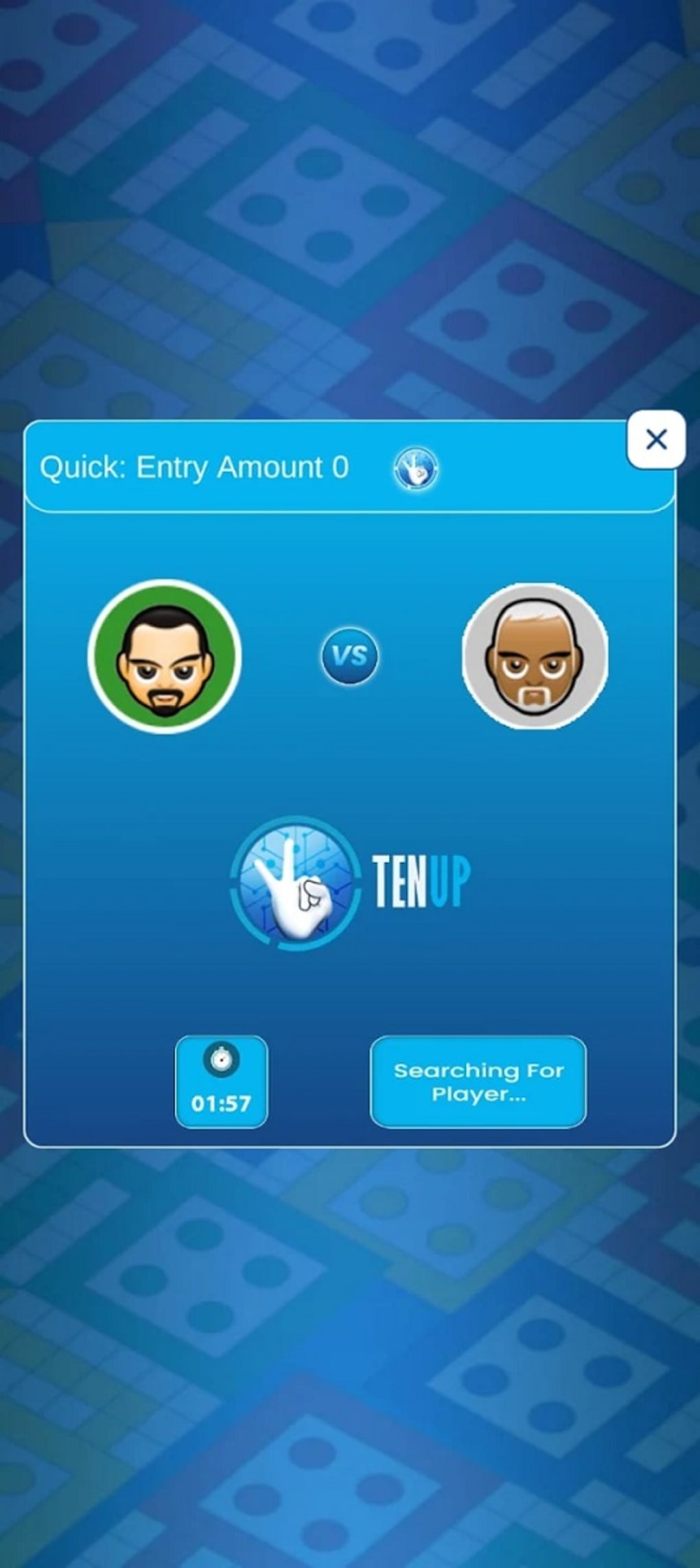
For players seeking a fresh take on the classic board game, LUDO LOVE offers a unique fusion of strategy, social interaction, and astrology. Developed by TenUp Nation, this free desktop application reimagines traditional ludo by integrating astrological compatibility into player matchmaking. The software enables users to connect with others based on shared zodiac traits, fostering a sense of connection beyond gameplay.
This approach appeals to users who value social engagement and personalized experiences over pure competition. Whether playing casually or aiming to earn rewards, the app supports a dynamic environment where players can roll dice, move pieces, and chat in real time via built-in voice features. The integration of astrological data during sign-up helps form matches that align with users’ cosmic profiles, adding a layer of novelty to the experience.
While the focus on astrology and voice chat may not suit all players, those drawn to the social and thematic aspects of gaming will find LUDO LOVE compelling. It’s ideal for individuals looking to combine leisure with meaningful interactions, especially within communities interested in astrology and digital connection.
Key Features & Capabilities
- Astrological Player Matching – The software uses zodiac sign information from user profiles to pair players with similar astrological traits, enhancing the sense of compatibility during gameplay.
- Integrated Voice Chat – Real-time voice communication allows players to interact socially while playing, deepening engagement and creating a more immersive experience.
- Reward-Based Gameplay – Users can earn rewards through gameplay, adding an incentive to participate and return to the application regularly.
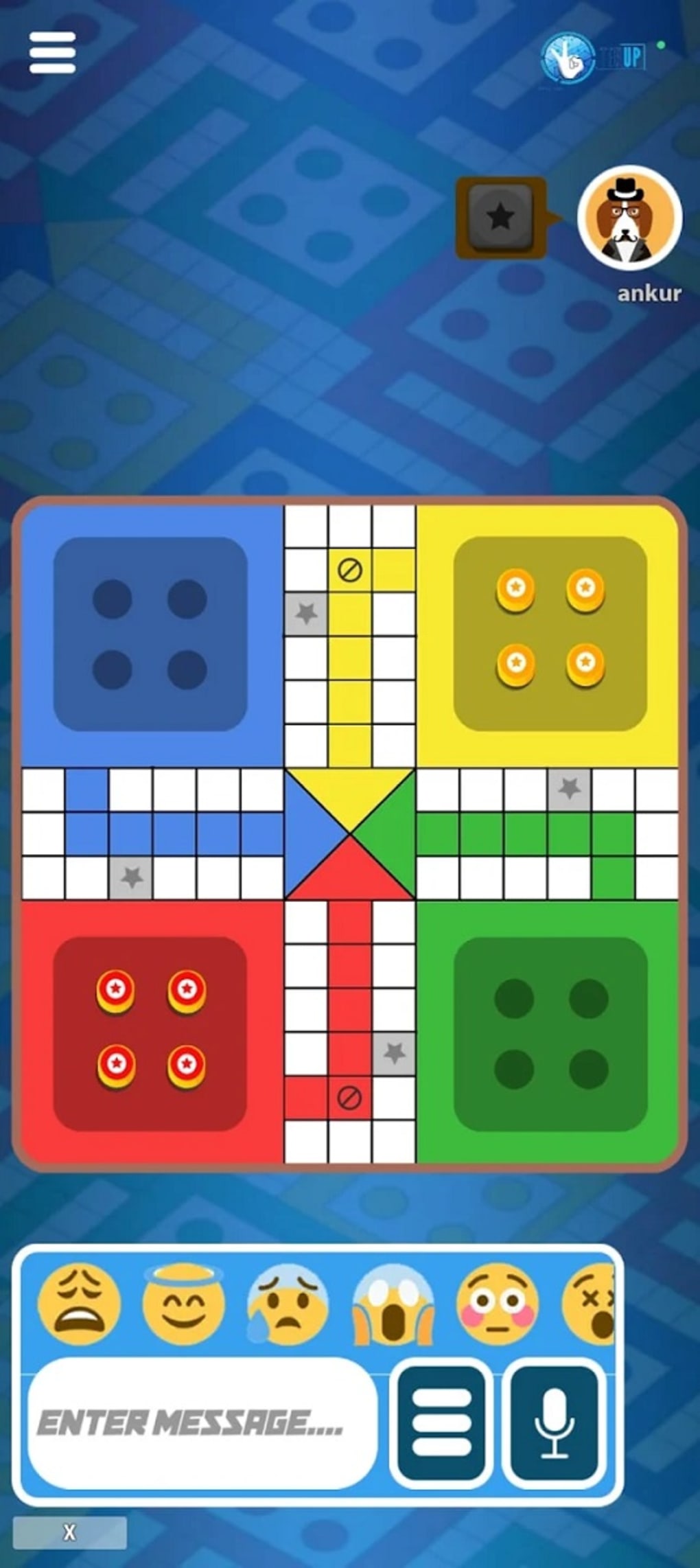
- Classic Ludo Mechanics – Core gameplay follows traditional ludo rules, including dice rolling, piece movement, and goal completion, ensuring accessibility for new and returning players.
- Desktop Accessibility – Available on both Windows and Mac, the software supports desktop use for a larger screen experience compared to mobile versions.
These features work together to transform ludo from a solitary or competitive activity into a shared social event. For example, a user might sign up with their zodiac sign, be matched with another player who shares their astrological profile, and then engage in a friendly game while discussing their day via voice chat. The reward system encourages continued play, making the app suitable for both casual and repeat users. The combination of familiar mechanics with innovative social tools ensures broad appeal, particularly among younger demographics interested in digital communities and personalized gaming.
User Interface, Workflow & Performance
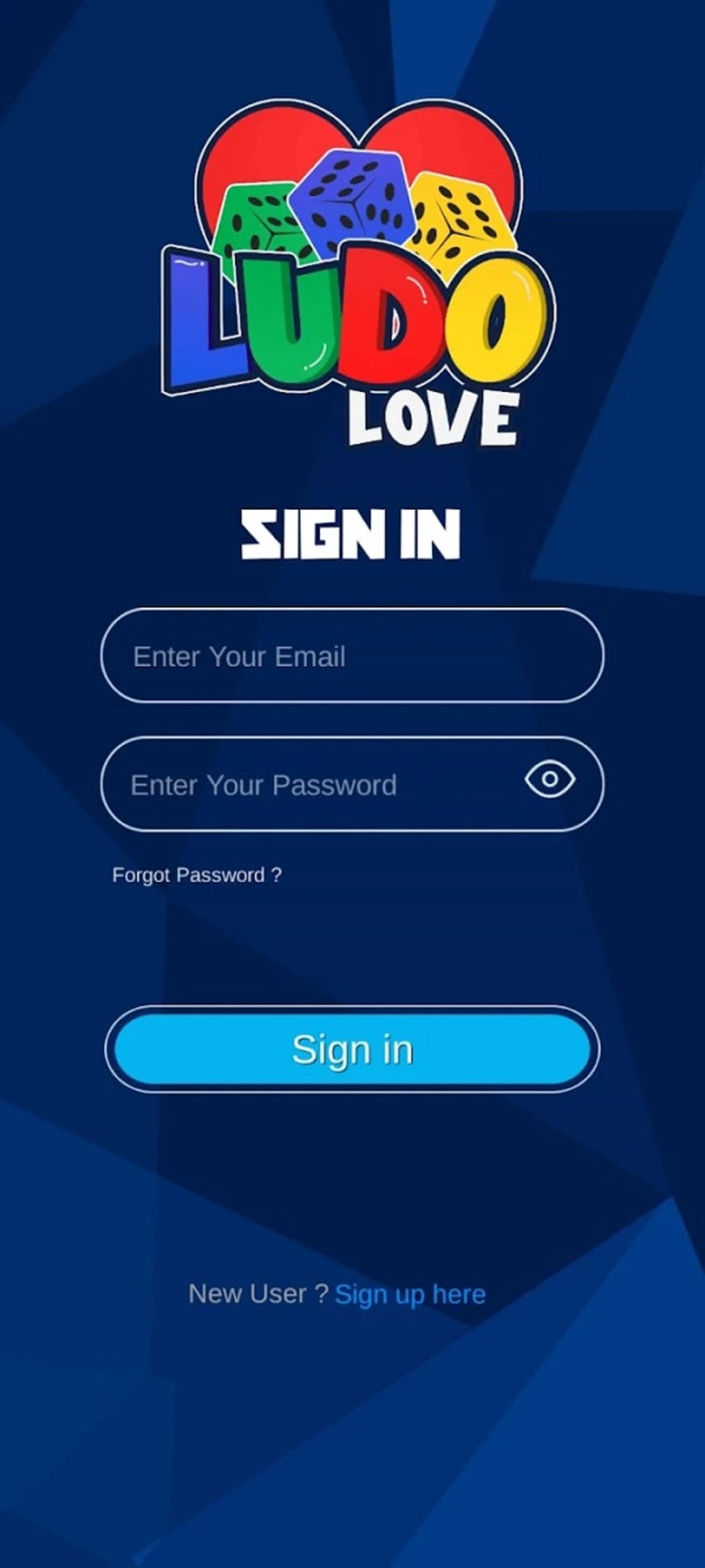
The user interface appears designed for intuitive navigation, with clearly labeled sections for matchmaking, gameplay, and chat. Players can access their profile, view match history, and manage settings with minimal clicks. The workflow follows a logical sequence: sign-up → profile setup → matching → game start → post-game interaction.
This streamlined process reduces friction and supports quick onboarding. The developer did not specify resource usage details, so performance behavior remains general. However, based on the 128 MB installation size, the application is lightweight and likely to run smoothly on standard desktop systems.
Stability during gameplay is expected to be consistent, though no official data was provided. The software does not indicate background processes or high CPU usage, suggesting efficient operation. The voice chat feature may require stable internet connectivity, but no technical limitations were mentioned.
Overall, the interface supports a seamless experience, prioritizing accessibility and ease of use.
Compatibility & System Requirements
LUDO LOVE is compatible with both Windows and Mac operating systems, as stated by the developer. The software version is 1.0, and the installation size is 128 MB. This suggests a minimal footprint, suitable for systems with moderate storage capacity.
The developer did not provide additional system requirements, so exact hardware specifications such as RAM, processor, or graphics capabilities remain unknown. Compatibility information is limited to the operating systems listed. No mention was made of support for older OS versions or specific hardware configurations.
Users should ensure their system meets general desktop software standards for running applications of similar size. The lack of detailed requirements means users should proceed with caution on low-end or outdated systems. Platform compatibility is confirmed for modern desktop environments, but further verification may be needed for specific configurations.
Pros and Cons
Pros
- Unique astrological matchmaking adds a personalized touch to player connections
- Integrated voice chat enhances social interaction during gameplay
- Free to download and use, with no upfront cost
- Lightweight installation size (128 MB) for quick setup
- Classic ludo rules ensure ease of understanding and accessibility
Cons
- Focus on astrology and voice chat may distract from core gameplay for some users
- Exact system requirements were not listed, limiting compatibility assessment
- Performance under heavy usage or long sessions not documented
- Reward system details not specified, so incentives remain unclear
- Dependence on internet connection for real-time features
FAQ Section
Is LUDO LOVE available for both Windows and Mac?
Yes, the software is compatible with both Windows and Mac operating systems as stated by the developer.
Is the software free to download and use?
Yes, LUDO LOVE is available at no cost, with no hidden fees or in-app purchases mentioned in the provided information.
Does LUDO LOVE require an internet connection?
Yes, real-time features such as player matching, voice chat, and reward tracking require a stable internet connection.
Can I play LUDO LOVE offline?
Based on the current description, the software relies on online functionality for matchmaking and multiplayer interaction, so offline play is not supported.
What kind of license does LUDO LOVE use?
The developer did not specify the license type. However, since the software is free and publicly available, it likely uses a standard freemium or public distribution model.
Final Thoughts + CTA
LUDO LOVE stands out as a bold evolution of the classic ludo game, blending tradition with modern social dynamics. By leveraging astrological compatibility and voice chat, it creates a unique digital space where players don’t just compete—they connect. While the emphasis on social features may not appeal to everyone, the app delivers a refreshing alternative for those seeking more than just a game.
Its lightweight design, free access, and intuitive interface make it accessible to a wide audience. For users who value community, personalization, and interactive play, LUDO LOVE offers a compelling experience. The integration of real-time voice and zodiac-based matching adds a layer of novelty that sets it apart from standard board game apps.
Though some aspects remain unclear due to limited documentation, the overall concept is promising. If you're looking for a desktop board game that goes beyond the dice and pieces, this one is worth trying.
Download LUDO LOVE now







